Standard vs simplified tax invoice: which one does ZATCA expect from you?
The quick answer depends on who is buying. Selling to a business or a government body? That is a standard tax invoice. Selling to a member of the public? That is a simplified tax invoice. The detail that catches people out is what happens to each one after you press the button.
On this page
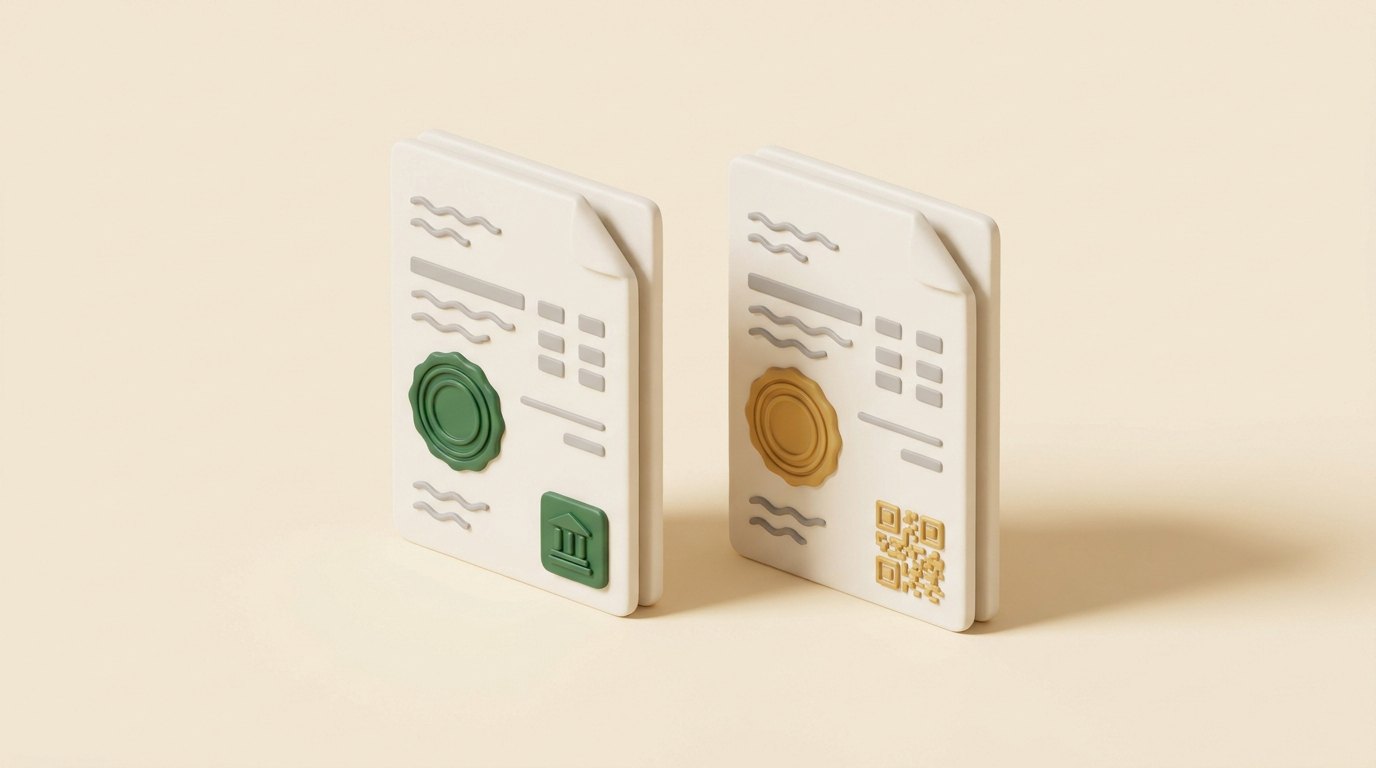
The two invoices side by side
| Standard tax invoice | Simplified tax invoice | |
|---|---|---|
| Who it is for | Businesses and government | Consumers |
| What ZATCA does | Clears it | Receives a report of it |
| Timing | Before your customer receives it | Within 24 hours of issue |
| Your customer gets it | After clearance | Right away |
| Worth checking | The buyer's VAT number, where required | The QR code on every invoice |
How clearance works
Clearance applies to standard invoices. Your system sends the invoice to Fatoora, ZATCA checks and stamps it, and only then does it go to your customer. Good software does this in the background, and your accountant sees a finished invoice with its status beside it.
How 24-hour reporting works
Reporting applies to simplified invoices, the kind printed at a counter. Nobody wants a queue at the till while a server somewhere checks a receipt, so the customer gets the invoice immediately, with a QR code on it, and your system reports it to ZATCA within 24 hours.
The word to remember is within. Your software should send these automatically, and it should show you anything that has not gone through yet, so a bad connection overnight does not turn into a surprise.
If you sell to both
Plenty of businesses do. A restaurant serves walk-in diners all day and then caters a company lunch. A salon has regulars and, now and then, a corporate booking. You need both invoice types, and the simplest way to pick is to ask whether the customer wants the invoice in their company's name. If so, take the company's details and VAT number and issue a standard invoice.
Three mistakes worth avoiding
- Giving a company a simplified invoice. A business customer normally needs a standard invoice with its own VAT number for its books, so you will likely be asked to redo it.
- Deleting an invoice to fix a typo. Issued invoices are corrected with a credit or debit note. Deleting or amending one any other way is a listed violation.
- Printing receipts with no QR code. Older till software can do this, and a simplified invoice without its QR code is also a listed violation.
Letting the software choose
Nobody on your team should need to remember any of this at 9pm on a Thursday. Hisaabii handles both clearance and reporting for invoicing teams, and Hisaabii POS, Baqala and Salon bring the same e-invoicing to the counter. If you are still working out whether this applies to you, start with our guide to wave 25.
This guide is general information, written for business owners. For a decision about your own company, check ZATCA's published rules or ask your tax adviser.